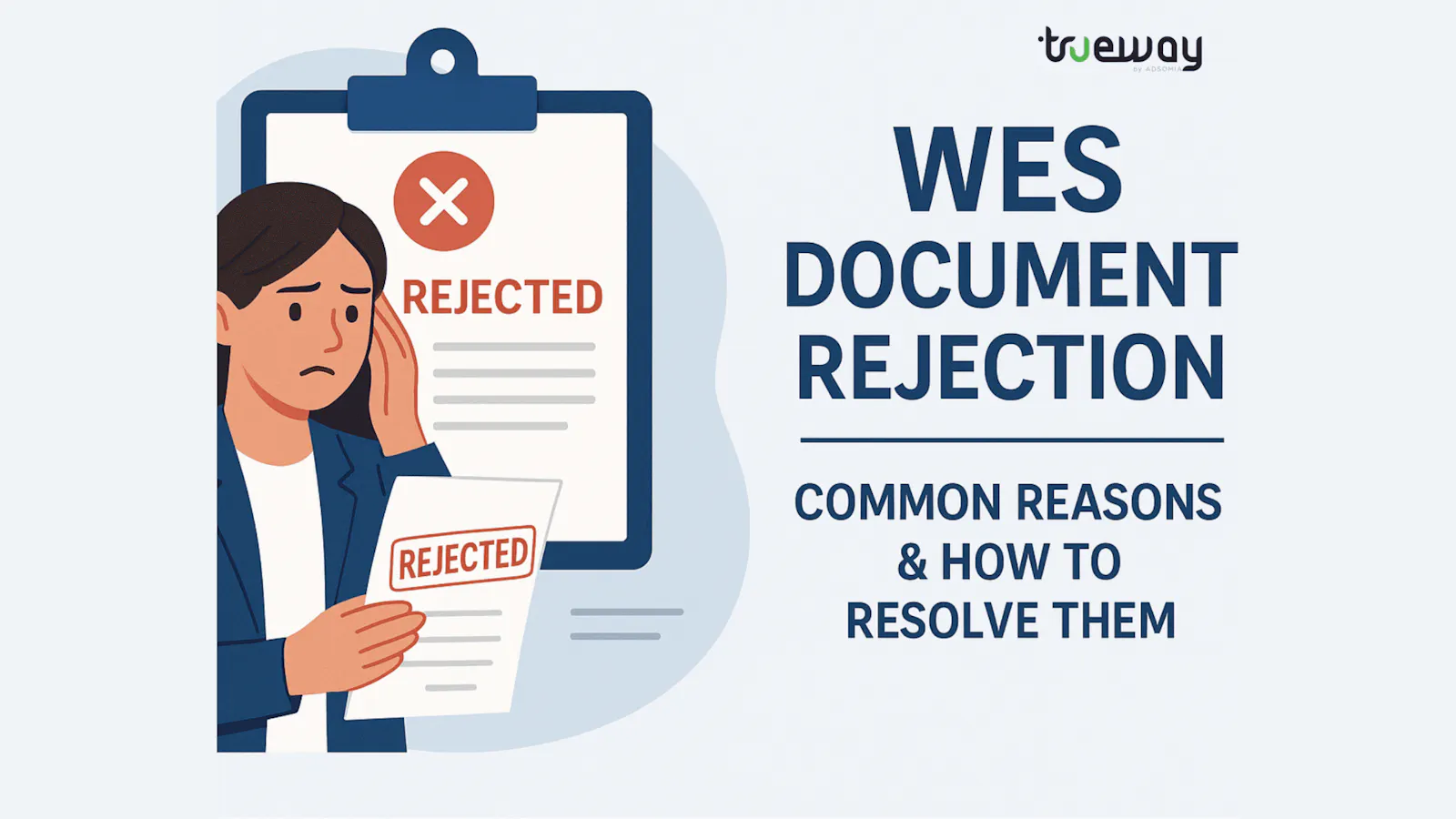
What if WES rejects your document? Here's What You Need to Know
Worried about WES rejecting your documents? Discover the common reasons for rejection and the exact steps to correct, reapply, or appeal without delaying your migration or admission plans.
Updated By Anoop S3 min read
On this page
On this page
Need help with your case? Talk to our documentation advisor on WhatsApp.
Chat on WhatsAppPlanning to study or migrate to Canada or the US? If yes, you’ve probably heard of WES (World Education Services), one of the most trusted organisations for evaluating international academic credentials. But what happens if WES rejects your documents? It can feel frustrating, especially when timelines are tight and dreams are big.
In this blog, we’ll explain why WES may reject documents, what steps you should take next, and how to avoid common mistakes. Whether you’re a student or a working professional, this guide will help you stay informed and prepared.
Why Does WES Reject Documents?
WES follows strict guidelines to ensure that all submitted credentials are authentic, complete, and sent from the right source. Here are some common reasons for rejection:
- Improper Format or Incomplete Documents
- Missing pages (especially transcripts)
- Unofficial copies (photocopies or scans not accepted by WES)
- No seal or stamp from the institution
-
- Wrong Mode of Submission
WES only accepts documents directly from institutions or authorised bodies, not from students. Sending documents yourself or via an unauthorised or accredited WES, WES may reject your documents outright.
- Mismatched Details
Any mismatch in your name, date of birth, or course title can raise red flags. WES requires consistency between your application and your documents.
- Translation Issues
If your documents are in a language other than English or French and have not been translated by a certified translator, WES may not accept them.
What to Do If WES Rejects Your Documents
Don’t panic. WES usually provides a clear reason for rejection through your account dashboard or email. Here’s how you should respond:
Step 1: Understand the Reason
Log in to your WES account and read the document status note carefully. It will mention if the issue is due to format, source, or content.
Step 2: Contact Your Institution
Reach out to your college/university or the examination body (like the HSC board or university registrar) and explain the issue. Request them to resend the documents as per WES guidelines.
Step 3: Correct and Resubmit
- Ensure the documents are sealed, stamped, and sent directly by the institution.
- If required, arrange for certified translations or notarized copies through approved channels.
- Make sure your WES reference number is mentioned on the envelope.
Step 4: Stay Updated
Track the delivery using your courier service and monitor your WES dashboard regularly. Once WES receives the corrected documents, they’ll update the status.
Can You Appeal or Get a Refund?
WES does not refund fees once an evaluation has begun. However, you can:
- Submit corrected documents within their processing window (usually 6 months to 1 year)
- Transfer the report to another credential evaluation agency (not always recommended unless WES won’t accept your institution)
How to Avoid WES Document Rejection – Pro Tips
- Follow the WES document checklist
- Always submit attested, sealed documents from your institution
- Mention your WES reference number on every document and envelope
- Use registered courier services with tracking
- Double-check name, DOB, course, and institution name for accuracy
- Get documents translated by authorized translators if needed
A rejection from WES can be disappointing, but it’s not the end of the road. Most issues are fixable with the right information and follow-up. Make sure to follow WES instructions to the letter and stay in touch with your academic institution throughout the process.
If you're feeling overwhelmed, consider getting help from a document verification or attestation service that can check your documents before they are submitted.
About this guide
Written by Anoop S. Updated . Rules change: we check the current rule for your case before you start.